 / Centro de Aprendizaje de Virginia / Consejos para usar el VLC / Gestores de cursos / Cómo crear una lista de espera
/ Centro de Aprendizaje de Virginia / Consejos para usar el VLC / Gestores de cursos / Cómo crear una lista de espera
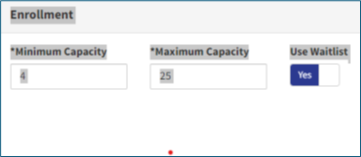
Use the steps below to add a waitlist to a course section. This helps manage extra interest when a class is full.
Punta
Using a waitlist helps ensure open seats are filled and gives more learners a chance to attend.





 Busca mi departamento local