 / Centro de Aprendizaje de Virginia / Consejos para usar VLC / Gestores de cursos / Cómo eliminar secciones y eventos
/ Centro de Aprendizaje de Virginia / Consejos para usar VLC / Gestores de cursos / Cómo eliminar secciones y eventos
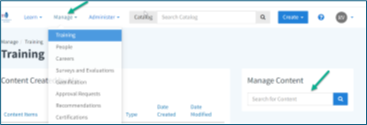
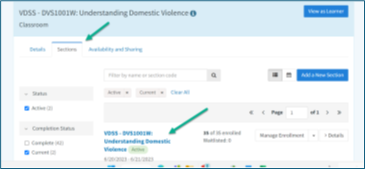
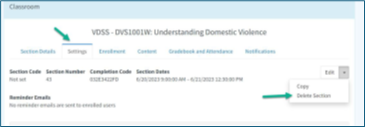
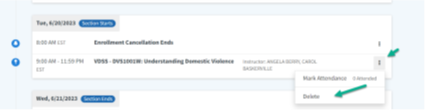
Use the steps below to remove a section or event from the system.
Punta
Before deleting, check that the section or event is no longer needed. This helps prevent loss of important training records.





 Busca mi departamento local